

Set a sleep timer so audio doesn't wake you
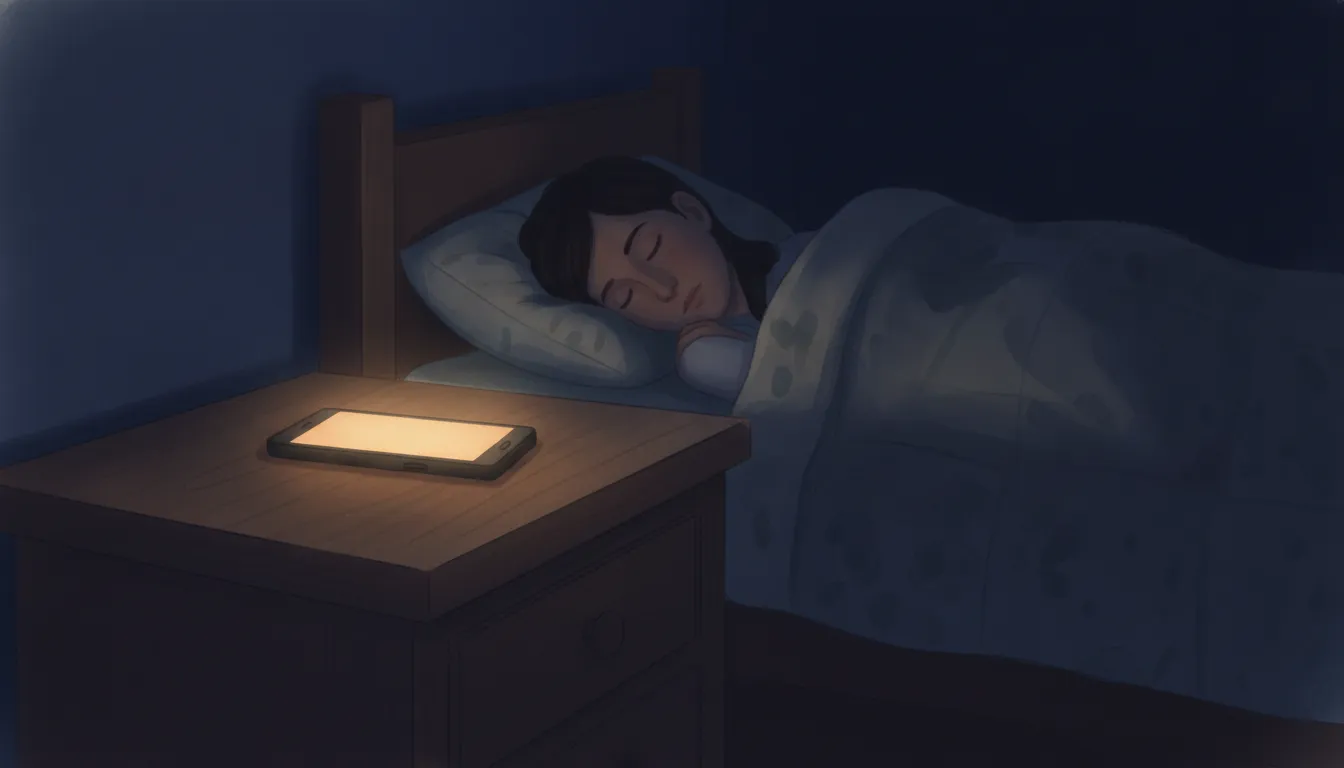
The fastest fix on this entire blog: open your iPhone’s Clock app, tap Timers, set a duration, tap When Timer Ends, and scroll to the bottom of the sound list to Stop Playing. That stops audio or video in any app, including ones with no timer of their own. Android has no system-level equivalent, so there you use the timer inside whichever app is playing. Everything below is the same answer for each platform, checked in August 2026.
Why bother
Not for the battery, though that is real. The reason is that continuous audio does not stay continuous. An episode finishes and the next one starts at a different level. An ad plays at broadcast loudness. Autoplay moves from a whispered story to a trailer.
Each of those is a jump in sound level, and jumps are what wake sleepers. In a five-person lab study, arousals tracked how far each sound rose above the room’s existing level, about 17.5 dB either way, rather than the volume it eventually reached (Stanchina 2005). Audio that runs all night is a machine for generating exactly that. A timer removes the whole category of problem for the cost of two taps.
iPhone and iPad
Learn the Clock trick first: it works on apps that have no timer of their own.
- Open Clock and tap Timers.
- Set a duration.
- Tap When Timer Ends, then scroll to the bottom of the list of sounds and choose Stop Playing.
- Tap Set, then Start.
Apple’s own documentation heads this “set a timer to stop playing audio or video”, and it survived the Clock app’s redesign intact. Two things worth knowing: some people report it failing to stop Spotify, which has its own timer anyway, and Apple Music on iPhone still has no built-in sleep timer of its own, so this is the way to stop it.
Android
There is no equivalent, and articles that claim otherwise are usually describing one manufacturer’s app. Google’s Clock app has a Bedtime tab with a wind-down schedule, Bedtime mode, and a sleep-sounds section that can play from Spotify or YouTube Music, but no documented stop-media timer. Samsung Music has its own, under the three-dot menu in Settings → Sleep timer, and menus vary by region.
In practice Android users rely on the in-app timers below, and they cover most listening.
Spotify
On mobile, open the Now Playing screen and find Sleep timer in the three-dot menu. Durations run 5, 10, 15, 30, and 45 minutes, then 1 hour, plus End of track. Podcasts and audiobooks usually show a timer icon directly in the player instead, with an end-of-episode option, which is the setting you want for anything with a narrative.
Spotify added a desktop sleep timer in August 2025, reached through the three-dot menu on a track or the playback controls for podcasts. It has been rolling out gradually, so it may not be in every desktop version yet.
Apple Podcasts
Play an episode, tap the MiniPlayer at the bottom to open the Now Playing screen, then tap the sleep-timer control and choose an option. Apple doesn’t publish the list, but you get a set of durations plus a setting that stops at the end of the current episode.
YouTube and YouTube Music
YouTube has a native sleep timer, and since late 2024 it has been available to everyone rather than to Premium subscribers only. In the video player, tap Settings, then Sleep timer, then pick a length or End of video. It is documented for Android, iPhone, iPad, and computer.
This one matters more than most, because autoplay is the specific failure mode of falling asleep to YouTube: the ten-hour rain video finishes and the algorithm serves something with a voice in it. The timer stops the queue as well as the video. If YouTube is where you do most of your sleep listening, autoplay and ad breaks are the two costs to weigh against it being free.
YouTube Music has its own timer in the three-dot menu on the Now Playing screen, app only, with durations up to an hour or end of track.
Audible
Open the player while a title is playing and tap the Timer icon. You can pick a preset, save a custom length, or choose to stop at the end of the current chapter, which is usually the right answer for a book. Two useful extras: when the timer ends you get an alert and can extend it, and if you shake the phone within 30 seconds of the fade it adds more time, a setting under Profile → Settings → Player → Shake to extend.
Netflix
Netflix tested a sleep timer on Android in 2021 and removed it. There isn’t one now, so the iPhone Clock trick is the workaround, since Stop Playing halts video as well as audio. On Android you are left with a third-party timer app or the screen timeout.
What to set it to
Long enough to fall asleep, short enough that it is off before your first deep cycle. For most people that is 30 to 45 minutes. Two adjustments worth making:
- Use “end of episode” for stories, not a fixed duration. A story cut off mid-sentence at 30 minutes is its own small jolt, and never hearing the end is a feature rather than a problem.
- Leave it running only if you are covering something. If the point of the sound is to mask traffic or a noisy building, it needs to outlast the noise. If the point is to get you to sleep, it doesn’t. The wider case for one over the other is in sleeping with sound.
Our sound apps ship with timers built for this; Deep Sleep Sounds fades out rather than cutting, which matters more than it sounds like it should, since an abrupt silence is a change in level too.
Source: Stanchina et al. 2005. Platform instructions checked August 2026 against Apple, Google, Spotify, and Audible documentation; app interfaces change, so treat the menu names as a guide rather than a guarantee.
Common questions
- How do I set a sleep timer on my iPhone for any app?
- Open the Clock app, tap Timers, set a duration, tap When Timer Ends, and choose Stop Playing at the bottom of the sound list. Then tap Set and Start. This stops audio or video in any app, not just Apple's own, and it is the closest thing iOS has to a universal sleep timer.
- Does Android have a sleep timer?
- Not at the system level. Android has no equivalent of the iPhone Clock trick, so you use whichever timer is built into the app you are listening to. Spotify, YouTube, YouTube Music, Audible, and most podcast apps each have their own, and Samsung Music has one in its settings.
- Where is the sleep timer in Spotify?
- On mobile, open the Now Playing screen and look in the three-dot menu for Sleep timer. For podcasts and audiobooks there is usually a timer icon directly in the player. Options run from five minutes to an hour, plus an end-of-track or end-of-episode setting. Newer desktop versions have it too.
- Why does audio playing all night wake me up?
- Because it changes. An episode ends, an ad plays, or autoplay jumps to something louder, and a sudden change in sound level is the thing that pulls a sleeper toward waking. Sleep-lab research found it is the size of the jump from background to peak that triggers waking, not how loud the sound is overall.